Kategori
Devlog/Studlog Gaming Diary

Icip Godot 2 – Gaming Diary #33

Melanjutkan dari tulisan ini yang dipublikasikan pada… ya Allah, bulan Juni, saya akhirnya menyelesaikan proyek iseng-iseng ngetes pake Godot. Di titik ini, saya juga sudah nonton satu video lagi dari Brackeys, ngerjain outsource proyek game pake Godot, dan juga pake Unity. Jadi, saya sudah eksplorasi lebih (tapi belum jauh) soal sintaks-sintaks GDScript, lihat cara orang lain pake Godot, dan bandingin lagi Unity sama Godot.

Beberapa hal yang saya temukan (terutama setelah banding-bandingin sama Unity):

Kesan sederhana dan mudah masih kerasa banget. Node built-in yang ada cukup lengkap. Yang kerasa bantu banget tuh Touch Screen Button buat bikin tombol virtual di layar sentuh. Node itu juga bisa dibikin hilang atau muncul kalau tergantung apakah buka gamenya di mobile atau PC. Cocok buat game yang dipublish di itch.io dan bisa dijalanin di browser. Sayangnya node ini bukan kelompok node Control yang bisa diatur-atur layoutnya pake node control lain. Soal atur-atur layout…

Tata letak UI itu perjuangan. Di Godot ada jenis kelompok node control yang khusus ngatur tata letak UI, contohnya Node Margin, node HBoxContainer, VBoxContainer, dan NinePatchRect. Objek-objek yang di Unity biasanya termasuk objek UI biasanya masuk kelompok ini. Meskipun banyak pilihan, rasanya masih agak terbatasi. Misalnya, kalau mau bikin tombol yang asetnya dari spritesheet, dan bisa pakai 9-slice, maka harus pakai Node TextureButton. Kalau baru nyadar setelah bikin banyak Button, susah dah. Makanya lebih susah bikin ukuran pixel yang konsisten kalau style gamenya pixel art. Tambah lagi kustomisasi node (warna, outline, dll.) yang terikat banget sama konsep theme (susah jelasinnya). Sebenarnya kalau udah kekuasain bisa mudah-mudah aja sih, tapi rasanya lebih mudah bikin pixel art yang konsisten dan slicing spritesheet yang pixel perfect di Unity.

Tapi, tata letak UI di Unity juga perjuangan sih. Terakhir nyobain Unity, entah kenapa susah banget masang font pixel art (mungkin gara-gara pake TMP Text). Kekurangan Unity di tata letak ada juga di ketidakjelasan objek mana yang ngatur tata letak objek lainnya karena fungsi-fungsi semacam itu adanya di component yang bisa nempel di GameObject mana saja. Di Godot, fungsi-fungsi yang biasanya diatur lewat component bisa diatur pakai node. Jadinya lebih mudah kalau pingin bikin jelas objek mana saja yang ngatur tata letak. Sebenarnya kalau serampangan tetap bisa bikin bingung, tapi kalau mau rapih bisa aja. Sayangnya itu bakal bikin hirarki atau tree dari node-node nya terlalu panjang dan belibet. Satu hal lagi yang ga dibikin jelas di Unity…

Di Unity, tidak jelas objek mana saja yang punya skrip bikinan kita. Di Unity, skrip itu bisa ditempelkan berapapun karena pada dasarnya component yang built-in juga script. Di Godot, skrip bikinan hanya bisa nempel di satu node dan node yang ditempelin skrip kelihatan di tree. Namun, jadi kepikiran. Kalau di Unity bisa pasang 2 skrip bikinan sendiri (meski kayaknya bad practice), apa ekuivalennya di Godot? Bikin node baru di-child nya?

Godot itu ringan, kalau udah nyoba alternatif lainnya. Ya, saya juga baru nyadar soal ringannya Godot ini pas buka Unity lagi 😀 Instalasi lama, buka proyek baru lama, nge-run buat tes lama, dst.

Btw, ngebandingin Godot – Unity kayaknya bakal panjang. Kesimpulanku sih, kalau dibandingin kelengkapan fitur di editor-nya, Unity rasanya lebih lengkap dan powerful. Godot terasa lebih sederhana dan mudah saja sih.

Export HTML hanya di versi-versi tertentu. Ini yang agak bikin kecewa karena sebelumnya pake Godot 4.2.2 yang ternyata gak support export ke web. Tapi, gak masalah buat download dan buka proyek di Godot 4.3, yang bisa export HTML, karena instalasi dan buka proyek ga lama.

Kesimpulannya sementara soal Godot ini, kayaknya masih oke buat lanjut makennya. Meski kalau diminta rekomendasiin enjin game dev kayaknya bakal nyaranin Unity karena masih oke juga dan banyak yang make. Atau Unreal, yang rasanya lebih oke kalau jenjang karirnya mau panjang. Saya make Godot ini lebih karena pingin dukung proyek open source aja sih, dan itu istilahnya ‘alasan ideologis’ yang belum berani saya sarankan ke orang lain.

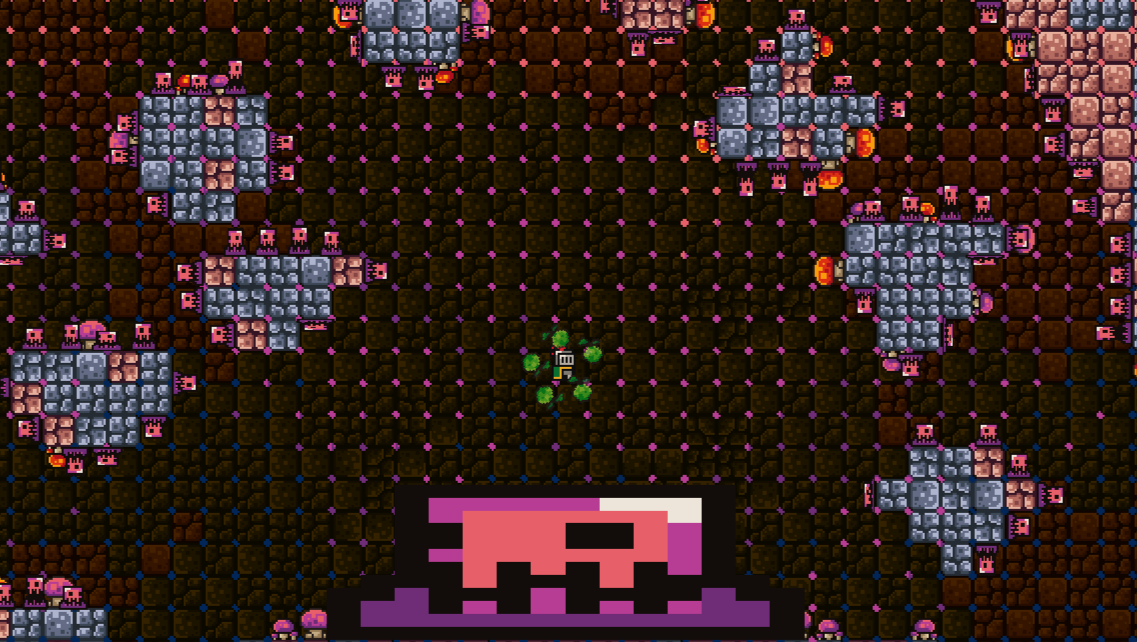
Terakhir, saya mau bagiin hasil kerjaan pertama pakai Godot ini, yang bikinnya berantakan dan asal jadi karena masih eksplorasi fitur-fitur. lol. Semoga lain kali bisa nunjukin game yang lebih proper pake Godot ini.

Cek di Itch.io

Komentar setelah beberapa lama make Godot dan bandingin sama Unity
Kira-kira, beginilah saya setelah beresin gamenya
Kategori
Devlog/Studlog

Releasing at Last

So, Lone Pong, the project that I’ve been working on for months finally released on GooglePlay, made it my first mobile game I personally released on the platform. From the last DevLog post to now, the game has been through many polishing, visual redesign, some rewrites, and publication deadlock by not knowing how release procedure works nowadays in GooglePlay.

But it’s done, all done. I don’t think it will be totally fun, but still, I’m confident that the gameplay is unique enough to attract people to try. So I’ll try to share it on a few social media groups or channels I can get into.

The biggest take from this project is to make a plan beforehand and stick to it, if you don’t want to suffer.

Anyway, here’s the links:

Google Play and the Google Play logo are trademarks of Google LLC.

itch.io and the itch.io logo are trademarks of itch corp

And here’s a gameplay video:

Too lazy to cut it into a shorter video…

What’s next? I’m considering experimenting on making 3D games in Unity, or writing new interactive story with Twine, or perhaps getting back to RPG Maker and make my purchase of the software worth it. But I think, I should learn some basics of Unity 3D and story writing first before deciding on my next portfolio project.

I’m also applying to several companies and job offerings for financial stability and proper hand-on experience in game industry, but so far, nothing conclusive. I think I’ll keep planning for self-learning and solo-developing, while also finding a way to make some money. Keep moving forward.

Kategori
Devlog/Studlog

Classic Rookie Mistake

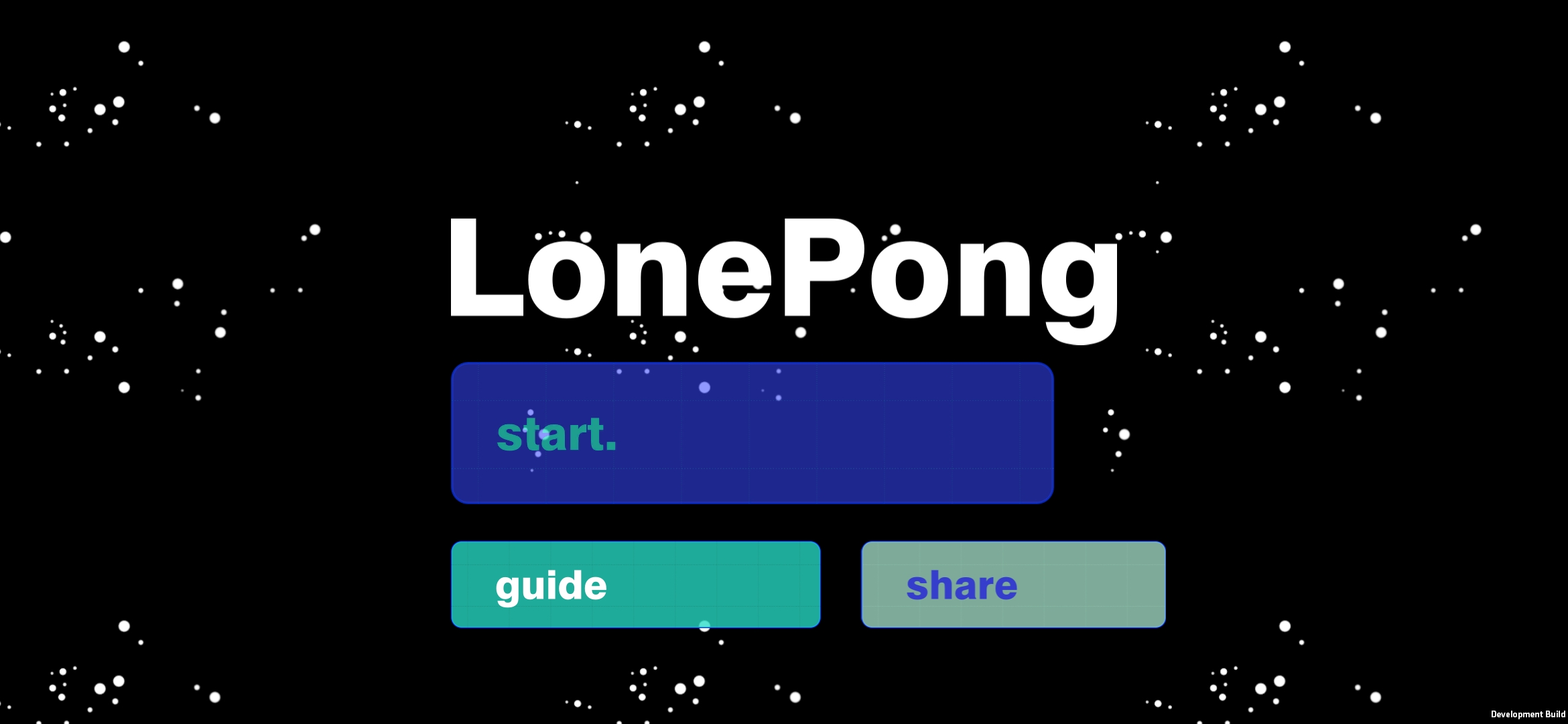
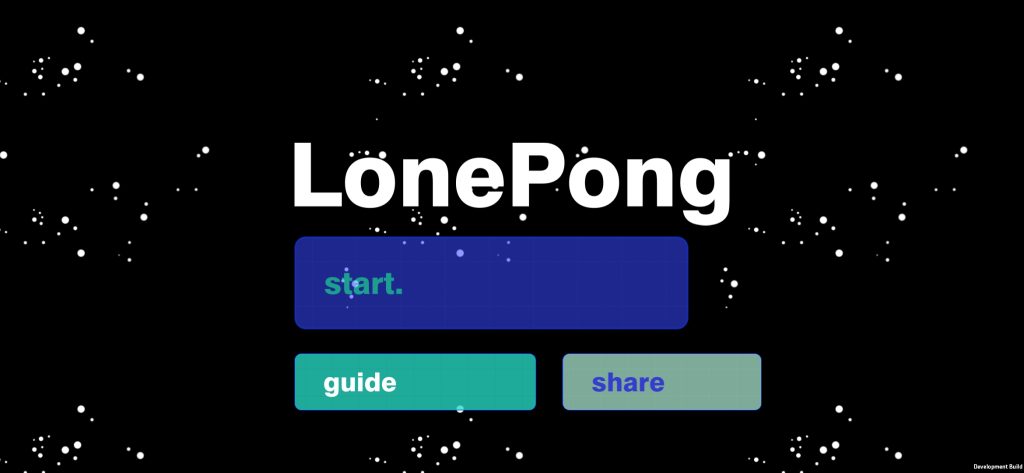
Main menu of LonePong

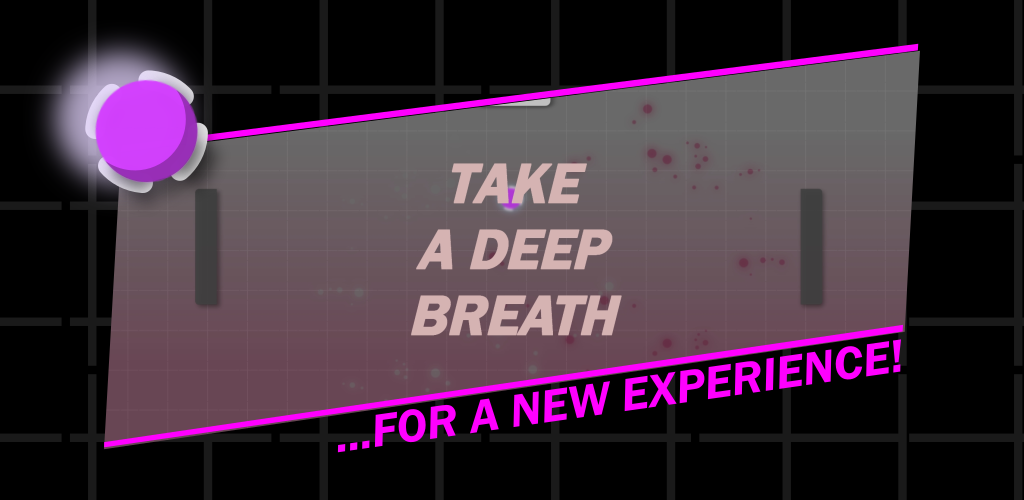
So I’m working on this project I call ‘Lone Pong’ I’ve been working on for months. The idea comes from a lesson from a game programming online course by DiLO Academy on creating a pong game with the Unity engine. I didn’t finish the course by the way. Every time I tested the project, I found myself playing pong alone.

So I thought that I could modify the script, make it a mobile game controlled by touch, single-player, add a chat-like mechanism every time the ball bounce, and monetize it with an ad. That seemed easy. Just a few more things to learn, right?

Ha-ha.

Read the title.

Over months of frustration, distraction, and low motivation, I learned these kinds of stuff (most I’ll forget in days):

  • How to implement effective and responsive multi-touch control on mobile devices. It’s the hardest thing in the project, I think, because many of its concepts are still beyond my comprehension. And when I asked a friend to test the touch control, he said it wasn’t responsive enough. Another reason why touch-screen is a terrible controller; It’s technically difficult.
  • How to develop for mobile, especially Android. I learned stuff like SDK requirements, device screen resolution, orientation rotation, the difference between screen coordinate with world coordinate (ask me that, and I’ll still be confused), and the best way to test your game for mobile. Unity Remote app is quite convenient if you know the right setup, and your game doesn’t mind the dropped down frame-rate. Really, it’s just projecting display to the mobile device. But for this project, Unity Remote couldn’t simulate the responsiveness of the touch control I wanted to implement, so I stopped using it. Instead, I save the APK file on OneDrive, access the file from the OneDrive mobile app, download, and install. A little bit complicated, but it works for me.
  • To make chatboxes appear every time the ball bounces to a racket, I learned layout components so the chatboxes could show aesthetically correct. There’s a lot of things to think about the mechanism as to how and when a chatbox appears. After a lot of trials, it’s still imperfect.
  • To show a scripted chat conversation, I learned how to read from a text file (a concept I learned the hard-dysfunctional way before finding the easier-better way) and store the data from the file to a List (a data format I’ve just learned).
  • To show a log of the conversation, I had to learn about scroll rect/scroll view. It needed a long time until I get it working properly.
  • I have to re-learn how to implement audio and manage UI in the game. As simple as it may sound, a toggle button is a damn-difficult problem.
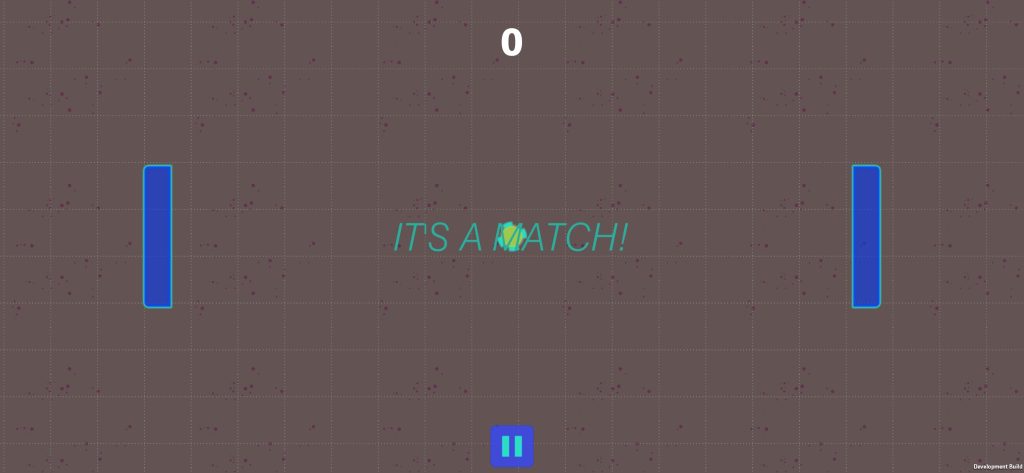
Initial ball placement need readjustment

Of course, there’s a million little things I had to learn and re-learn. Not to mention a bunch of stuff I have to learn to add to this project, like social media sharing, tutorial, mobile-ad implementation, animation, polishing, etc. Sure the best practice is to learn only one thing per project. But if we just want to learn a feature or technique, isn’t it better to implement it to a halfway project than start from scratch? Well, sometimes it is. Next time, I’ll try to limit new things I want to implement.

I’ve been trying to always have a non-zero percent progress per day for this project. But I think it’s still unproductive. I feel that there’s a lot of impediment to my progress that makes me vulnerable to distraction and procrastination.

Lack of technical skill to make this game visually fancy should not be one of them. Sure, my design skill is limited, but the project never intended to showcase its visual beauty, rather its gameplay and writing. Still, I feel the game will impress fewer people with its current visual style.

I also lost some motivation to give 100% in this project throughout the writing process for the conversation. I thought that I can’t make an engaging and compelling dialog to showcase. From there on, I started to think that this game is a project that only need to be finished; not promoted. Still, I want to try share and ad features. However, I have some idea that may could improve the writing.

But the largest hurdle in this project (besides Genshin Impact and Mobile Legend), is my own laptop. I’ve met blue screen twice! On Windows 10! It makes me rethink my game-dev learning plan. Should I hold off from using Unity until I have enough money to buy a more suitable PC? Should I just focusing more on using lighter game engine like Twine or Construct?

The answer lies after I finish this darn project.

Anyway, this devlog has become too long and whiny. But with this, I can see the progress I’ve been going through and the things I need to fix. Also, I think I have a grasp idea now on what part of my game-dev journey needs help.

But I need to get this project done first!